Video editing is a demanding task that requires a careful selection of hardware and software to ensure a smooth workflow. The requirements for video editing can vary significantly based on the complexity of the projects, the software being used, and the desired output quality. For instance, editing high-definition (HD) or 4K video necessitates more powerful hardware compared to standard definition (SD) editing.
Understanding these requirements is crucial for both amateur and professional editors who wish to achieve optimal performance and efficiency. When embarking on a video editing project, one must consider the specific needs of the editing software. Programs like Adobe Premiere Pro, Final Cut Pro, and DaVinci Resolve have their own system requirements that dictate the minimum and recommended specifications for optimal performance.
These specifications often include details about the processor speed, RAM capacity, graphics card capabilities, and storage solutions. Familiarizing oneself with these requirements can help in making informed decisions when purchasing or upgrading a computer for video editing tasks.
Considerations for Processor and RAM
The processor, or CPU, is arguably the most critical component in a video editing setup. A powerful CPU can significantly reduce rendering times and improve playback performance during editing. Multi-core processors are particularly advantageous, as they allow for parallel processing of tasks, which is essential when working with high-resolution footage or complex effects.
For instance, a quad-core processor may suffice for basic editing tasks, but for more intensive projects involving 4K video or multiple layers of effects, a hexa-core or octa-core processor is recommended. In addition to the CPU, RAM plays a vital role in video editing performance. Random Access Memory (RAM) is where your computer temporarily stores data that is actively being used or processed.
For video editing, having sufficient RAM is crucial to ensure smooth multitasking and efficient handling of large video files. While 8GB of RAM may be adequate for basic editing tasks, 16GB or more is often recommended for more demanding projects. Some professional editors even opt for 32GB or 64GB of RAM to accommodate extensive timelines and high-resolution footage without experiencing lag or crashes.
Graphics Card and Display Quality
The graphics card, or GPU, is another essential component that can greatly influence video editing performance. A dedicated graphics card can accelerate rendering times and improve playback quality, especially when working with effects-heavy projects or 3D rendering. Many modern video editing software applications leverage GPU acceleration to enhance performance, making it imperative to invest in a capable graphics card.
For example, NVIDIA’s CUDA technology allows certain software to utilize the GPU for faster processing, which can be a game-changer for editors working with complex timelines. Display quality is equally important in the realm of video editing. A high-resolution monitor with accurate color reproduction is essential for ensuring that the final output matches the intended vision.
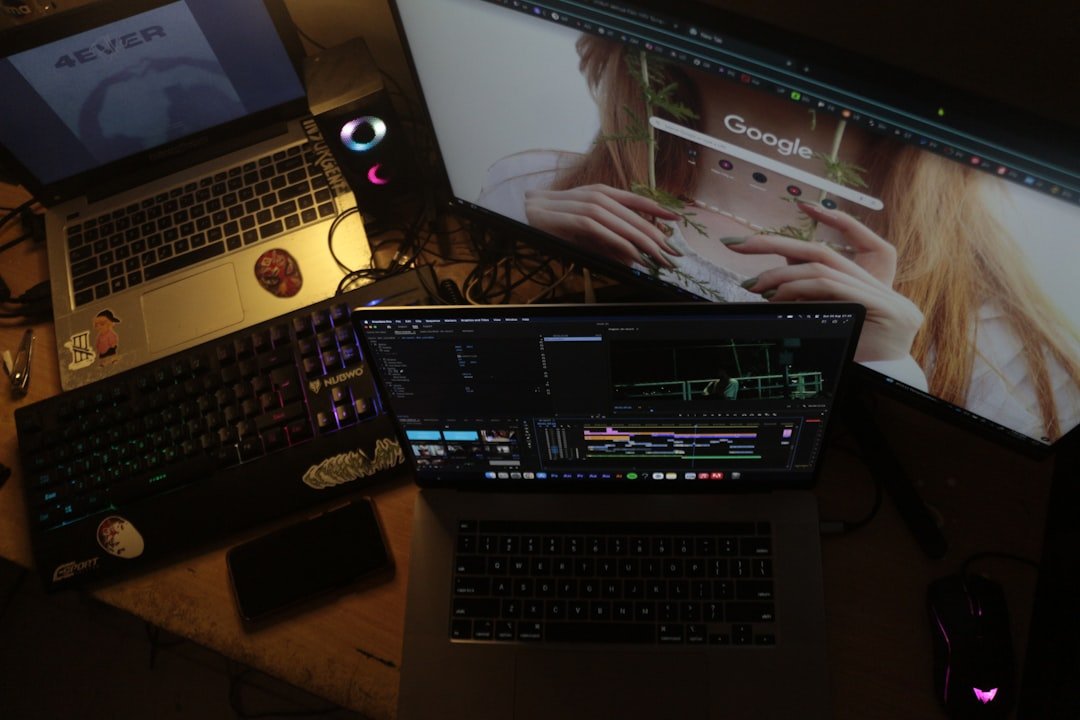
Editors often prefer monitors that support wide color gamuts and high dynamic range (HDR) capabilities to accurately assess color grading and visual effects. Additionally, having a dual-monitor setup can enhance productivity by allowing editors to have their timeline open on one screen while previewing footage on another. This setup not only improves workflow efficiency but also provides a more immersive editing experience.
Storage Options for Video Editing
Storage solutions are a critical consideration in video editing due to the large file sizes associated with high-definition footage. Traditional hard disk drives (HDDs) may suffice for basic storage needs; however, solid-state drives (SSDs) are increasingly favored for their speed and reliability. SSDs offer significantly faster read and write speeds compared to HDDs, which translates to quicker file transfers and reduced loading times during editing sessions.
For instance, an SSD can dramatically decrease the time it takes to import footage into an editing program or render a final project. Moreover, it is essential to consider the capacity of storage devices when planning for video editing projects. High-resolution videos can consume substantial amounts of space; therefore, having ample storage is crucial.
Many professionals opt for a combination of SSDs for active projects and larger HDDs for archiving completed work. Additionally, external storage solutions such as RAID arrays can provide redundancy and increased performance by combining multiple drives into a single unit. This setup not only enhances data security but also allows for faster access to large files during the editing process.
Portability and Battery Life
| Feature | Recommended Specification | Importance for Video Editing | Notes |
|---|---|---|---|
| Processor (CPU) | Intel Core i7 or AMD Ryzen 7 (8 cores or more) | High | Faster rendering and smoother timeline playback |
| Graphics Card (GPU) | NVIDIA GeForce RTX 3060 or AMD Radeon RX 6600M or better | High | Accelerates video effects and encoding |
| RAM | 16GB minimum, 32GB recommended | High | Allows multitasking and handling large video files |
| Storage | 512GB SSD minimum, 1TB SSD preferred | Medium | Fast read/write speeds improve editing and exporting |
| Display | 15-inch or larger, Full HD (1920×1080) or 4K, IPS panel | Medium | Accurate color reproduction and ample workspace |
| Battery Life | 6 hours or more | Low to Medium | Useful for editing on the go but less critical |
| Ports | USB-C, Thunderbolt 3/4, HDMI | Medium | For connecting external drives and monitors |
| Weight | Under 5 pounds (2.3 kg) | Low | Important for portability |
For video editors who are frequently on the move, portability becomes a significant factor in choosing the right equipment. Laptops designed for video editing must strike a balance between performance and portability. While desktop systems typically offer superior power due to their larger components and better cooling systems, laptops provide the flexibility needed for remote work or travel.
When selecting a laptop for video editing, it is essential to consider its weight, size, and build quality to ensure it can withstand the rigors of travel. Battery life is another critical aspect of portability that cannot be overlooked. Video editing can be resource-intensive, leading to rapid battery drain on laptops.
Therefore, choosing a laptop with a robust battery life is essential for uninterrupted work sessions away from power outlets. Some models are designed specifically for creative professionals and offer extended battery life while maintaining high performance levels. Additionally, features such as fast charging can be beneficial for editors who need to quickly recharge their devices between shoots or during travel.
Connectivity and Ports
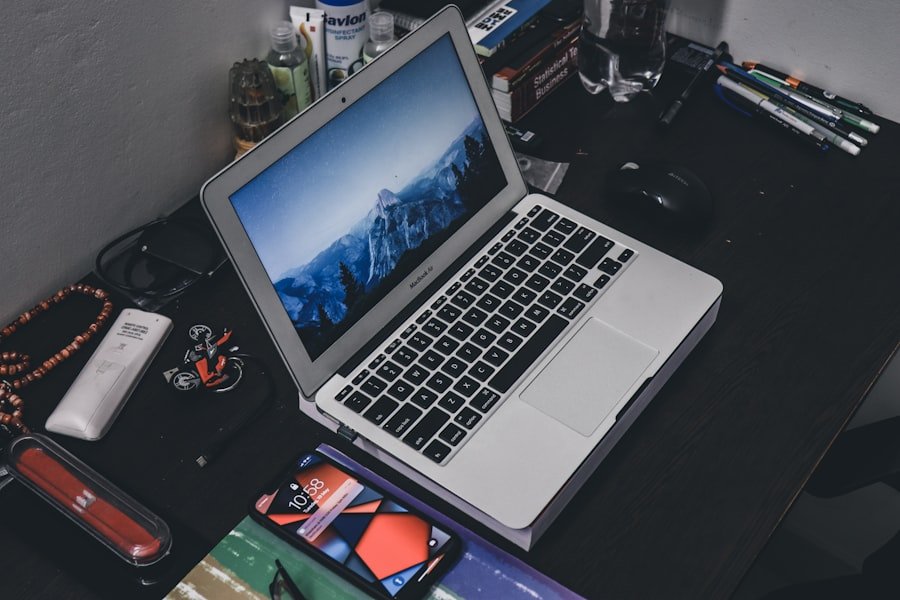
In the realm of video editing, connectivity options play a vital role in ensuring seamless integration with various peripherals and devices. A well-equipped video editing workstation should have multiple USB ports, including USB-C and Thunderbolt connections, which facilitate fast data transfer rates and compatibility with modern external drives and devices. Additionally, HDMI or DisplayPort outputs are essential for connecting external monitors or projectors, allowing editors to expand their workspace or present their work effectively.
Furthermore, network connectivity options such as Ethernet ports can be crucial for collaborative projects that require fast internet speeds for file sharing or cloud-based workflows. Many professional editors also rely on external audio interfaces or capture cards that require specific ports; thus, having a variety of connectivity options ensures that all necessary equipment can be easily integrated into the editing setup without compatibility issues.
Software Compatibility and Operating System
The choice of operating system can significantly impact the overall video editing experience. While both Windows and macOS offer robust platforms for video editing software, certain applications may perform better on one system than the other. For example, Final Cut Pro is exclusive to macOS and is highly optimized for Apple hardware, making it a preferred choice among many professional editors in the film industry.
Conversely, Adobe Premiere Pro is available on both platforms but may have different performance characteristics depending on the underlying hardware. Software compatibility extends beyond just the operating system; it also involves ensuring that the hardware meets the requirements of the chosen software applications. Some programs may require specific drivers or updates to function optimally with certain hardware configurations.
Therefore, it is essential to verify compatibility before investing in new equipment or software to avoid potential issues that could disrupt workflow.
Budget and Value for Money
When it comes to video editing equipment, budget considerations are paramount. The cost of high-performance hardware can vary widely based on specifications and brand reputation. While it may be tempting to opt for lower-priced options to save money upfront, investing in quality components often pays off in terms of longevity and performance efficiency.
For instance, while a budget laptop may suffice for basic tasks, it may struggle with more demanding projects over time, leading to frustration and potential delays. Finding value for money involves assessing not only the initial purchase price but also the long-term benefits of investing in reliable hardware that meets one’s needs. It’s important to consider factors such as warranty periods, customer support services, and upgrade potential when evaluating different options.
Additionally, exploring refurbished or second-hand equipment from reputable sources can provide significant savings without compromising on quality or performance capabilities. Ultimately, making informed decisions based on thorough research will lead to better outcomes in both productivity and financial investment in the long run.
FAQs
What are the key specifications to look for in a laptop for video editing?
When choosing a laptop for video editing, focus on a powerful processor (preferably Intel i7 or higher, or AMD Ryzen 7 or higher), at least 16GB of RAM, a dedicated graphics card (such as NVIDIA GeForce GTX/RTX or AMD Radeon), and ample SSD storage for faster file access.
Why is a dedicated graphics card important for video editing?
A dedicated graphics card accelerates rendering and playback of video files, improves performance in editing software, and supports hardware-accelerated encoding and decoding, which significantly speeds up video processing tasks.
How much RAM do I need for smooth video editing?
For most video editing tasks, 16GB of RAM is recommended as a minimum. For 4K or higher resolution editing, or working with complex projects, 32GB or more may be necessary to ensure smooth performance.
Is screen quality important when choosing a laptop for video editing?
Yes, screen quality is crucial. Look for a laptop with a high-resolution display (at least Full HD, preferably 4K), good color accuracy (covering sRGB or AdobeRGB color spaces), and wide viewing angles to ensure precise color grading and editing.
Should I prioritize storage capacity or speed for video editing?
Both are important. SSDs provide faster read/write speeds, which improve editing performance and reduce load times. Aim for at least 512GB SSD storage, and consider additional external drives or larger internal storage if working with large video files.
How important is battery life for a video editing laptop?
While battery life is less critical during intensive editing sessions (which often require plugged-in use), a laptop with decent battery life is beneficial for portability and working on the go. However, powerful components may reduce battery longevity.
Can I use a gaming laptop for video editing?
Yes, gaming laptops often have powerful CPUs, dedicated GPUs, and good cooling systems, making them suitable for video editing. However, ensure the display has good color accuracy and consider the laptop’s weight and battery life based on your needs.
What operating system is best for video editing laptops?
Both Windows and macOS are widely used for video editing. The choice depends on your preferred editing software and workflow. macOS is favored for software like Final Cut Pro, while Windows supports a broader range of hardware and software options.
Do I need a laptop with multiple ports for video editing?
Yes, multiple ports such as USB-C, Thunderbolt, HDMI, and SD card readers are useful for connecting external drives, monitors, and other peripherals essential for video editing workflows.
How often should I upgrade my laptop for video editing?
Upgrade your laptop when it no longer meets the performance requirements of your editing projects or software updates. Typically, this may be every 3-5 years, depending on technological advancements and your workload.
About the Author