
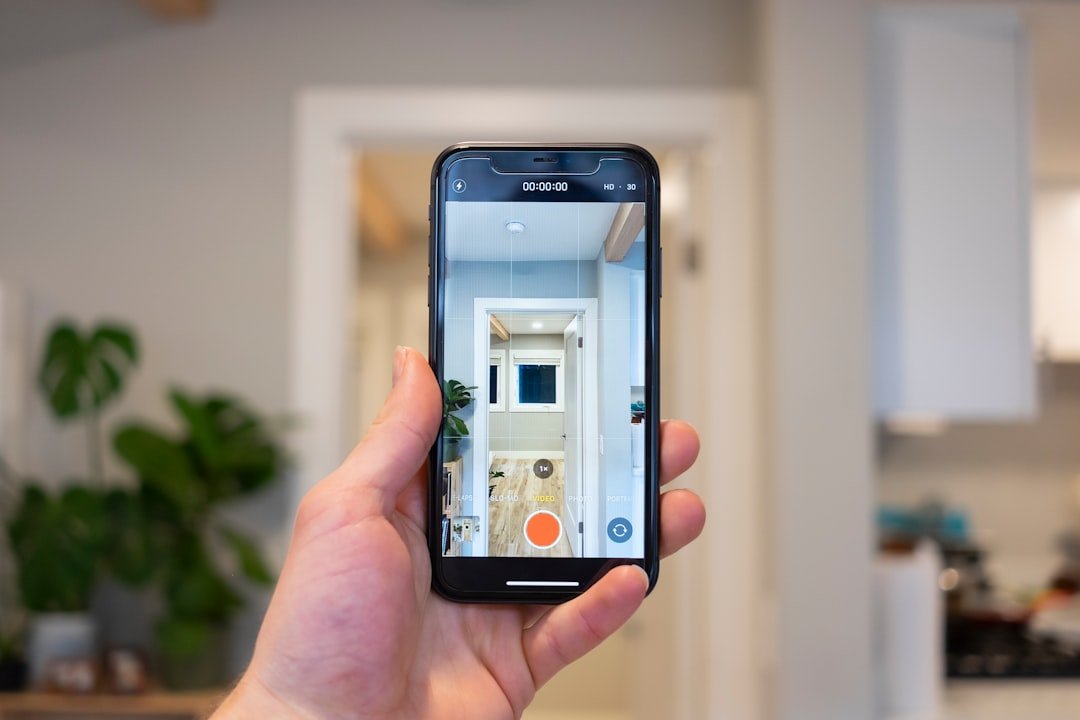
Smart home devices utilize Internet of Things (IoT) technology to create interconnected systems that can be controlled remotely through smartphones, tablets, or voice assistants. These devices include thermostats, lighting systems, security cameras, door locks, and kitchen appliances that communicate with each other to automate household functions. Smart thermostats monitor occupancy patterns and adjust temperature settings automatically, potentially reducing energy consumption by 10-15% according to industry studies.
Smart lighting systems allow users to control brightness levels, color temperature, and scheduling through mobile applications or voice commands. Security devices such as cameras, doorbell cameras, and smart locks provide remote monitoring capabilities and can send real-time alerts to homeowners’ devices. Modern smart home devices incorporate machine learning algorithms that analyze usage patterns to optimize performance.
These systems can automatically adjust settings based on factors such as time of day, weather conditions, and user behavior. For example, smart thermostats can pre-heat or pre-cool homes before residents arrive, while smart lighting can gradually dim in the evening to support natural circadian rhythms. The integration of artificial intelligence enables predictive functionality, where devices anticipate user needs based on historical data.
Smart home hubs serve as central control points, allowing multiple devices from different manufacturers to work together through standardized communication protocols such as Zigbee, Z-Wave, or Wi-Fi.
Choosing the Right Smart Home Devices for Your Needs
Selecting the appropriate smart home devices requires careful consideration of your specific needs and lifestyle. Begin by assessing which areas of your home could benefit most from automation. For example, if you frequently forget to turn off lights or adjust the thermostat when leaving for work, smart lighting and climate control systems may be your top priorities.
Alternatively, if security is a primary concern, investing in smart locks, doorbell cameras, and motion sensors could provide peace of mind while enhancing your home’s safety. Budget is another critical factor in the decision-making process. Smart home devices come in a wide range of prices, from affordable options that offer basic functionality to high-end models packed with advanced features.
It’s essential to strike a balance between cost and capability. Researching product reviews and comparisons can help you identify devices that offer the best value for your investment. Additionally, consider compatibility with existing systems; some devices work better within specific ecosystems, such as Google Home or Amazon Alexa.
Ensuring that your chosen devices can seamlessly integrate with one another will enhance their overall effectiveness and user experience.
Preparing Your Home for Smart Device Installation
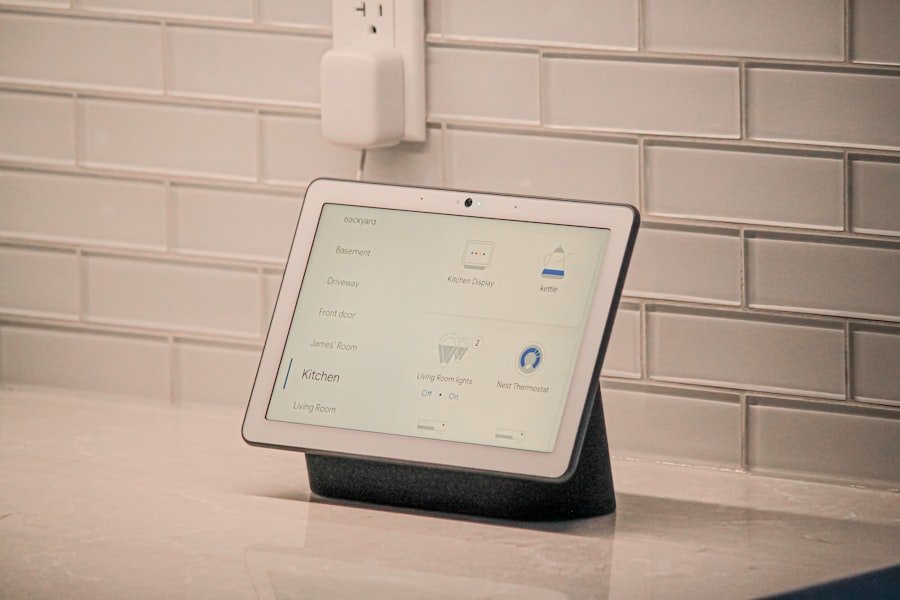
Before diving into the installation of smart home devices, it’s crucial to prepare your home adequately. Start by evaluating your current infrastructure, including Wi-Fi coverage and electrical outlets. A robust Wi-Fi network is essential for the smooth operation of smart devices, as they rely on internet connectivity for remote access and communication with other devices.
If your Wi-Fi signal is weak in certain areas of your home, consider investing in a mesh network system or Wi-Fi extenders to ensure comprehensive coverage. Next, assess the physical locations where you plan to install your smart devices. For instance, smart cameras should be positioned strategically to cover entry points without obstructions, while smart speakers should be placed in central locations for optimal voice recognition.
Additionally, ensure that you have the necessary tools and equipment for installation, such as screwdrivers or mounting brackets. Some devices may require specific setups or configurations, so reviewing the manufacturer’s instructions beforehand can save time and prevent potential issues during installation.
Setting Up Your Smart Home Devices
Once you have prepared your home for installation, the next step is setting up your smart home devices. This process typically begins with unboxing the device and following the manufacturer’s guidelines for installation. Many smart devices come with user-friendly apps that guide you through the setup process step-by-step.
For example, when installing a smart thermostat, you may need to remove your existing thermostat and connect the new device to your HVAC system using color-coded wires. After physically installing the device, you will usually need to download its corresponding app on your smartphone or tablet. This app serves as the central hub for controlling the device and accessing its features.
During setup, you may be prompted to create an account or log in with existing credentials. Once logged in, follow the app’s instructions to connect the device to your Wi-Fi network and customize initial settings. This process often includes naming the device and assigning it to a specific room within your home for easier management.
Connecting Your Smart Home Devices to Wi-Fi
| Step | Task | Tools/Materials Needed | Estimated Time | Tips for Convenience |
|---|---|---|---|---|
| 1 | Plan Your Smart Home Setup | Smart device list, floor plan | 30 minutes | Identify high-traffic areas and prioritize devices accordingly |
| 2 | Check Wi-Fi Coverage | Wi-Fi analyzer app | 15 minutes | Ensure strong signal in all device locations to avoid connectivity issues |
| 3 | Install Smart Hub or Controller | Smart hub device, power source | 10 minutes | Place centrally for optimal device communication |
| 4 | Set Up Individual Devices | Smart devices, smartphone app | 5-15 minutes per device | Follow manufacturer instructions and update firmware |
| 5 | Configure Automation and Scenes | Smartphone or computer | 20 minutes | Create routines for daily convenience like lighting schedules or thermostat adjustments |
| 6 | Test and Troubleshoot | Smart devices, app | 15 minutes | Verify all devices respond correctly and adjust settings as needed |
| 7 | Maintain and Update Devices | Internet connection, smartphone | Ongoing | Regularly check for software updates to ensure security and performance |
Connecting your smart home devices to Wi-Fi is a critical step that enables their full functionality. Most modern smart devices utilize either 2.4 GHz or 5 GHz frequency bands for connectivity; however, it’s essential to check which band your device supports before proceeding. The 2.4 GHz band offers a broader range but slower speeds, while the 5 GHz band provides faster speeds but has a shorter range.
Depending on your home’s layout and the location of your router, you may need to choose one band over the other for optimal performance. During the connection process, ensure that you have your Wi-Fi network name (SSID) and password readily available. The app will typically prompt you to enter this information to establish a connection between your device and the network.
In some cases, devices may utilize Bluetooth for initial setup before switching to Wi-Fi for ongoing operation. Once connected, it’s advisable to test the device’s functionality through the app to confirm that it responds correctly to commands and operates as intended.
Customizing Your Smart Home Device Settings

After successfully connecting your smart home devices to Wi-Fi, customizing their settings allows you to tailor their functionality to suit your preferences. Most smart devices come equipped with various features that can be adjusted through their respective apps. For instance, smart lighting systems often allow users to set schedules for when lights should turn on or off automatically, create scenes that adjust multiple lights simultaneously, or even change colors based on mood or activity.
In addition to basic settings like brightness and color temperature for lighting or temperature ranges for thermostats, many devices offer advanced features that enhance usability. For example, some security cameras allow users to set motion detection zones or receive alerts when unusual activity is detected. Customizing these settings not only improves convenience but also enhances security by ensuring that alerts are relevant and actionable.
Troubleshooting Common Smart Home Device Issues
Despite their many advantages, smart home devices can sometimes encounter issues that disrupt their functionality. Common problems include connectivity issues, unresponsive devices, or difficulties with voice commands. When faced with such challenges, it’s essential first to check whether the device is connected to Wi-Fi properly; this can often be done through the app associated with the device.
If connectivity appears stable but issues persist, restarting both the device and your router can resolve many common problems. Another frequent issue arises from software updates; manufacturers regularly release updates that improve performance or add new features. If a device becomes unresponsive after an update, it may require a factory reset or reinstallation through its app.
Additionally, consulting online forums or manufacturer support pages can provide valuable insights into troubleshooting specific issues related to particular models or brands.
Enjoying the Convenience of Your Smart Home Devices
Once everything is set up and running smoothly, users can fully appreciate the convenience offered by smart home devices. The ability to control various aspects of one’s home environment from a single app or through voice commands significantly enhances daily life. Imagine arriving home after a long day at work; with just a few words or taps on your smartphone, you can adjust the thermostat to a comfortable temperature while turning on lights in key areas of your home.
Moreover, smart home devices contribute to energy efficiency by allowing users to monitor usage patterns and make informed decisions about consumption. For instance, smart plugs can track energy usage for connected appliances, providing insights into which devices consume the most power and when they are used most frequently. This data empowers homeowners to make adjustments that not only save money on utility bills but also reduce their environmental footprint.
As technology continues to advance, the capabilities of smart home devices will only expand further, offering even more innovative solutions for everyday living. Embracing this technology not only enhances convenience but also fosters a more connected lifestyle where homes become responsive partners in managing daily routines and improving overall quality of life.
FAQs
What are smart home devices?
Smart home devices are electronic gadgets that can be controlled remotely or automated to enhance convenience, security, and energy efficiency in your home. Examples include smart lights, thermostats, security cameras, and voice assistants.
What tools do I need to install smart home devices?
Most smart home devices require basic tools such as a screwdriver, a smartphone or tablet for setup, and a stable Wi-Fi connection. Some devices may need additional tools like a drill or wire strippers depending on the installation complexity.
Do I need professional help to install smart home devices?
Many smart home devices are designed for easy DIY installation and come with step-by-step instructions. However, for complex systems like smart security cameras or smart thermostats that involve wiring, professional installation may be recommended.
How do I connect smart home devices to my Wi-Fi network?
Typically, you use the device’s companion app to connect it to your home Wi-Fi network. The app will guide you through selecting your network and entering the password. Ensure your Wi-Fi signal is strong where the device is installed.
Are smart home devices compatible with each other?
Compatibility depends on the brand and communication protocols used (such as Wi-Fi, Zigbee, or Z-Wave). Many devices work with popular platforms like Amazon Alexa, Google Assistant, or Apple HomeKit, allowing integration and centralized control.
How can I ensure the security of my smart home devices?
To secure your smart home devices, use strong, unique passwords for your Wi-Fi and device accounts, keep device firmware updated, and enable two-factor authentication if available. Also, consider segmenting your smart devices on a separate network.
Can smart home devices help save energy?
Yes, devices like smart thermostats, smart lighting, and smart plugs can optimize energy use by adjusting settings based on your habits or presence, potentially reducing electricity bills.
What should I consider before buying smart home devices?
Consider compatibility with your existing devices, ease of installation, security features, and whether the device meets your specific needs for convenience, automation, or energy savings. Also, check if the device requires a subscription for full functionality.
About the Author